
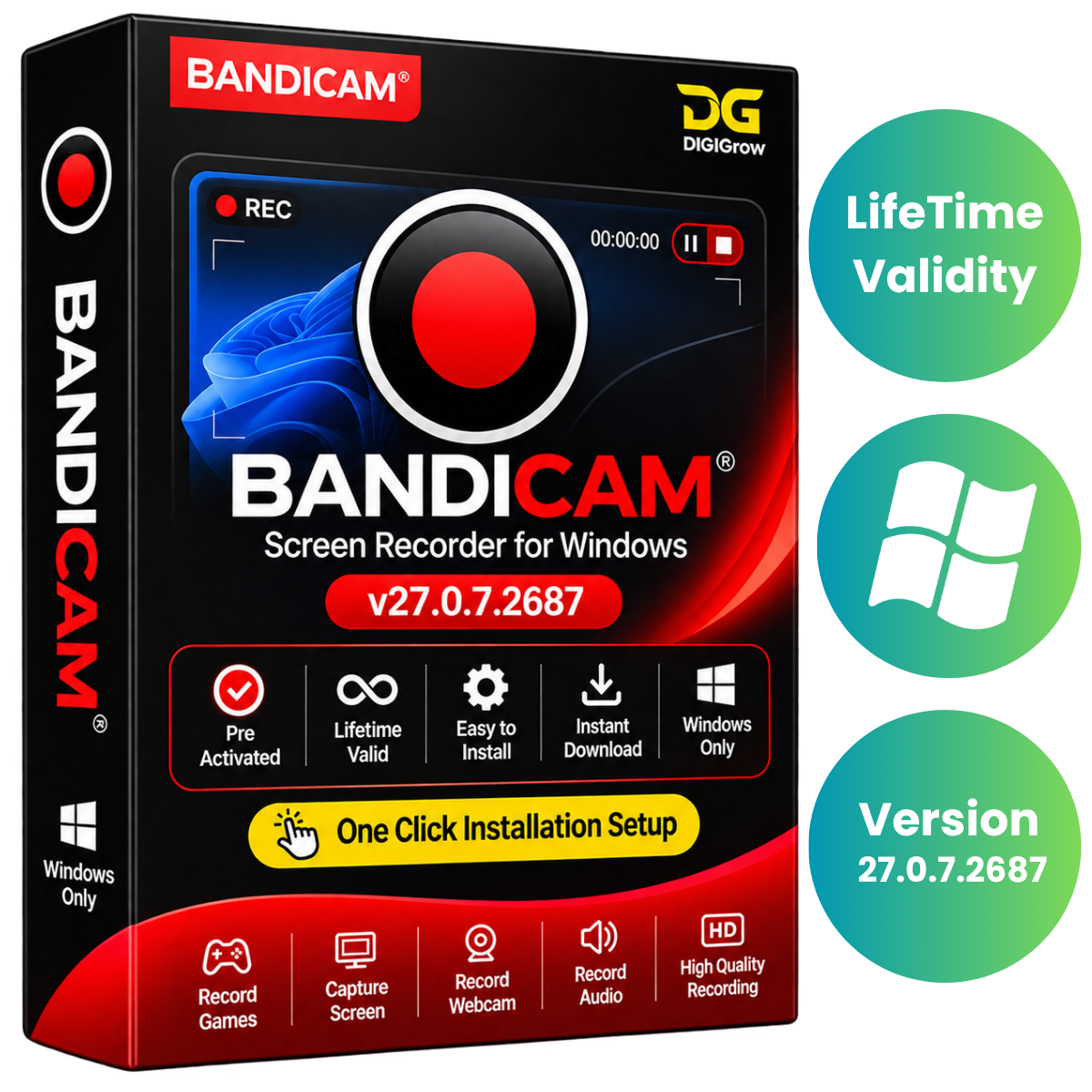


Bandicam 27.0.7.2687 – Professional Screen Recording Software for Windows
Bandicam 27.0.7.2687 is a powerful Windows screen-recording solution designed for gamers, YouTube creators, educators, trainers, and professionals. Capture desktop activity, gameplay, webcam footage, online classes, meetings, and external video devices with high-quality video and audio recording.
Record your screen in up to 4K Ultra HD, capture system sound and microphone narration, add webcam overlays, and create professional video tutorials with ease.
Why Choose DIGIGrow?
Pre-Activated – Ready-to-use installation package
Lifetime Valid – No recurring subscription
24×7 Live Support – Assistance whenever you need it
100% Money-Back Guarantee – Shop with confidence
Easy to Install – Simple installation process
Instant Delivery – Get your product details quickly
Installation Video Guide Included – Step-by-step guidance
Powerful Screen Recording Features
1. Screen Recording
Record your entire desktop, specific application windows, or selected screen areas. Perfect for tutorials, presentations, demonstrations, and professional recordings.
2. High-Quality 4K Recording
Capture videos in up to 4K Ultra HD resolution to preserve clarity and detail in your screen recordings.
3. Game Recording
Capture gameplay using DirectX, OpenGL, and Vulkan technologies. Ideal for gaming videos, walkthroughs, and YouTube gaming content.
4. Webcam Overlay
Add webcam footage directly over your screen recordings. Create engaging tutorials, reaction videos, presentations, and gameplay videos.
5. Audio Recording
Record system audio and microphone narration together or separately, depending on your recording requirements.
6. Real-Time Drawing
Use real-time drawing and highlighting tools to emphasize important information while recording your screen.
7. Hardware-Accelerated Encoding
Take advantage of supported hardware-accelerated video encoding for efficient recording performance.
8. Scheduled Recording
Schedule recording sessions automatically and capture important activities without manually starting every session.
9. Screenshot Capture
Capture screenshots of your desktop and save images in supported formats for documentation and tutorials.
10. Extended Recording
Record long sessions, including recordings exceeding 24 hours, subject to available storage and system performance.
11. Audio Extraction
Save audio tracks separately as MP3 files for convenient audio management.
12. Online Sharing
Upload and share recordings through supported online services.
What’s New in Bandicam 27.0.7.2687?
The latest listed update includes:
Fixed video upload failures to Vimeo.
Fixed issues when stopping scheduled recordings.
Additional minor software improvements.
General maintenance and stability refinements.
Perfect For
YouTube video creators
Gaming and gameplay recording
Online classes and tutorials
Business presentations
Software demonstrations
Online meetings and training sessions
Screen capture and documentation
Professional video recording
System Requirements
Operating System
Windows 10 (64-bit)
Windows 11 (64-bit)
Processor
Intel Core i3 or AMD Ryzen 3 class processor
RAM
Minimum 4 GB
Storage
2 GB available disk space
Graphics
DirectX 11-compatible graphics card
Display
Minimum 1280 × 720 resolution
Product Information
Software: Bandicam 27.0.7.2687
Platform: Windows 10 / Windows 11 (64-bit)
Installer Type: Windows Installer (Silent RePack)
Package Size: Approximately 35 MB
Package Status: Clean and Tested
Easy Installation & Support
Getting started with Bandicam is simple. Your purchase includes an installation video guide to help you complete the setup process.
If you experience any installation issues, share a screenshot with our support team for assistance.
Get Bandicam 27.0.7.2687 from DIGIGrow
Start recording your screen, gameplay, tutorials, presentations, and meetings with powerful screen-capture tools.
Pre-Activated • Lifetime Valid • Instant Delivery • Easy Installation • 24×7 Live Support
Choose DIGIGrow for a simple and convenient software experience.


