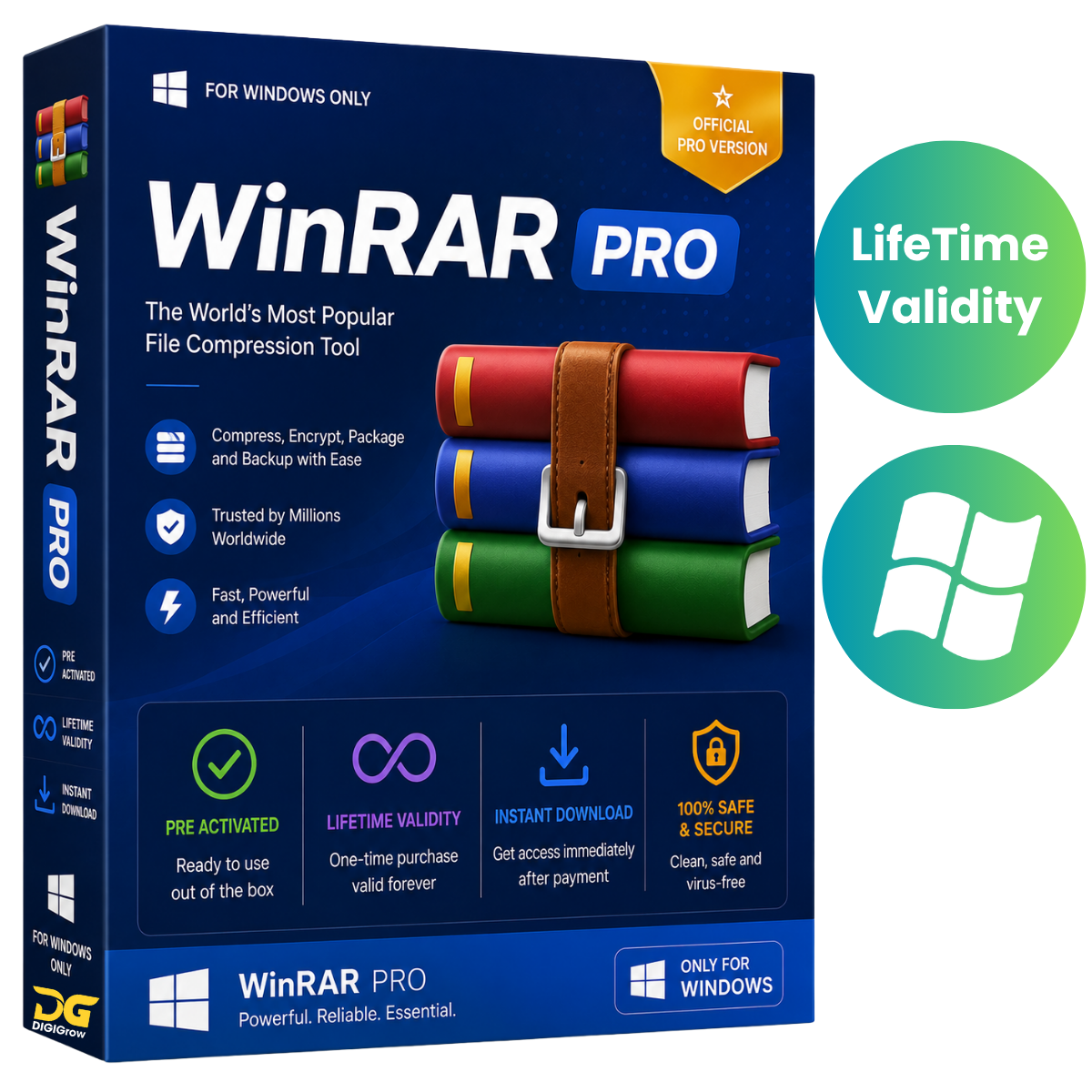

WinRAR Full Version for Windows – Installer + Portable
WinRAR Full Version is a powerful file compression and archive management utility for Windows PCs. It helps you compress files to save storage space, extract downloaded archives, create organized backups, and prepare files for convenient sharing and transfer.
This package includes WinRAR Installer + Portable Version, giving you flexible options for using the software on your Windows PC.
Why Choose DIGIGrow?
- Pre-Activated – Ready to use after installation
- Lifetime Valid – No recurring subscription
- 24×7 Live Support – Get assistance whenever you need it
- 100% Money-Back Guarantee – Purchase with confidence
- Easy to Install – Simple setup process
- Instant Delivery – Receive your product details quickly
- Installation Video Guide Included – Step-by-step installation assistance
What Can You Do with WinRAR?
WinRAR makes it easy to manage compressed files and archives. You can:
- Compress files and folders to reduce their size
- Extract RAR, ZIP, and many other archive formats
- Create new RAR and ZIP archives
- Split large archives into multiple volumes
- Create self-extracting archives
- Protect archives with password encryption
- Create backups and organize important files
- Prepare large files for easier sharing and transfer
Powerful Compression
WinRAR uses advanced compression technology to create compact archives while maintaining your original files. Its compression capabilities are particularly useful for multimedia files, executables, and object libraries.
Smaller archives can help save disk space and make file transfers more convenient.
Wide Archive Format Support
WinRAR supports a broad range of commonly used archive and compression formats, including:
RAR, ZIP, CAB, ARJ, LZH, TAR, GZip, UUE, ISO, BZIP2, Z, 7-Zip and more.
This makes it a convenient solution for opening and managing archives received from different sources.
Advanced Archive Management
Split Large Archives
Break large archives into smaller volumes so they can be stored or transferred more conveniently.
Self-Extracting Archives
Create self-extracting archives that can be opened without requiring a separate extraction process.
Recovery Options
Recovery records and recovery volumes can help recover data from damaged archives when possible.
Password Protection
Protect your compressed files using 256-bit AES password encryption for an additional layer of security.
Easy-to-Use Wizard
The built-in Wizard mode provides a straightforward way to access essential compression and extraction functions, making common tasks easier for new users.
Installer + Portable Version
Your DIGIGrow package includes:
Windows Installer Version
Install WinRAR directly on your Windows PC for regular everyday use.
Portable Version
Use the portable package when you prefer a convenient version without a traditional installation process.
System Requirements
Operating System
- Windows 11
- Windows 10
- Windows 8.1
- Windows 7
Memory
- Minimum: 2 GB RAM
- Recommended: 4 GB RAM
Storage
- 200 MB or more available disk space
Important Note
WinRAR is traditionally distributed as a trial product with a 40-day evaluation period. Please review the applicable WinRAR licensing terms for your version and usage.
Get WinRAR for Windows from DIGIGrow
Get a convenient WinRAR Installer + Portable package for Windows and manage your compressed files, archives, backups, and file transfers with ease.
Pre-Activated • Lifetime Valid • Instant Delivery • Easy Installation • 24×7 Support • Installation Video Guide Included
Order with Confidence
DIGIGrow focuses on making software delivery simple and convenient. Receive your product details quickly and use the included installation video guide to help you get started.