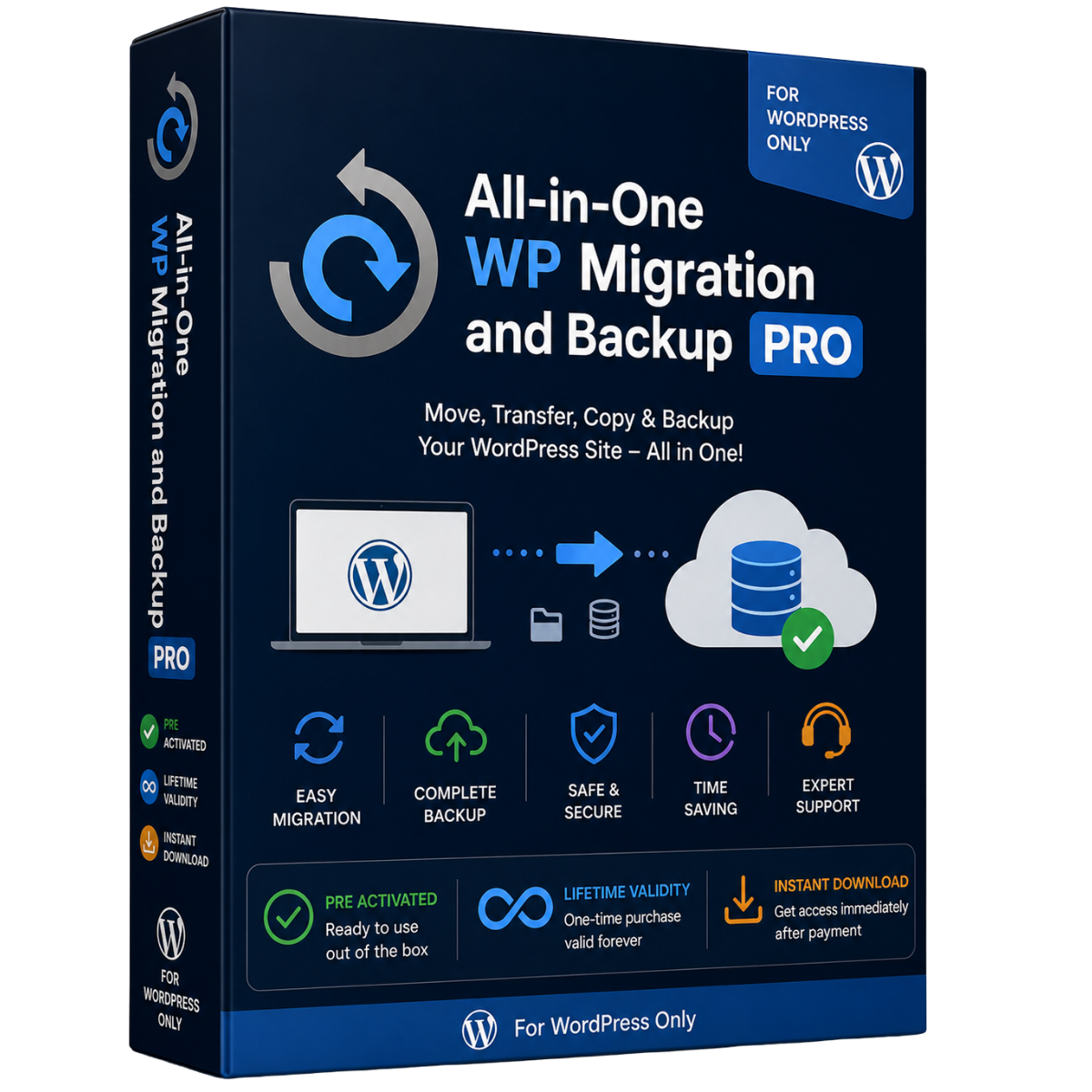

All-in-One WP Migration & Backup Pro – GPL WordPress Plugin
Professional WordPress Migration, Backup & Website Transfer Solution
Move, back up, and restore your WordPress website with a simple and reliable migration workflow. All-in-One WP Migration & Backup Pro is designed to make website transfers easier for beginners while providing powerful tools for developers and experienced WordPress users.
GPL Plugin Benefits
- GPL Licensed Plugin
- Easy to Install
- Instant Delivery
- Installation Video Guide Included
- 24×7 Support
- Simple Migration & Backup Workflow
- Suitable for Developers & WordPress Users
- Works Across Different Hosting Environments
Important: This is a GPL-licensed software distribution. It is not an official ServMask license, subscription, or official ServMask support package. Access to third-party premium extensions or services may require separate licensing from the original developer.
Powerful WordPress Migration & Backup
Whether you’re moving your website to a new hosting provider, creating a backup before making changes, or restoring an existing site, All-in-One WP Migration provides an easy workflow for handling your WordPress website files and database.
Complete Website Migration
Move your WordPress installation while transferring important website components, including:
- WordPress database
- Media files
- Themes
- Plugins
- Website content
- Configuration and related files
The migration process is designed to reduce complicated manual steps and make website transfers more straightforward.
Simple 3-Step Migration Process
1. Install
Install the plugin on your existing WordPress website and your destination website.
2. Export
Create a complete website package and export your WordPress installation into a backup file.
3. Import
Upload the backup to your destination website and complete the migration using the built-in importer.
WordPress Backup Made Simple
Create a backup of your website before making major changes, changing hosting providers, updating plugins, or modifying your WordPress installation.
A complete backup can help you maintain a recovery point for your website when you need to restore your previous setup.
Features for Developers & Power Users
All-in-One WP Migration also provides useful tools for more advanced WordPress workflows.
Find & Replace
Automatically handle URL and path changes during migration, helping your website adapt to its new hosting environment.
Selective Migration
Control which website data is included in your migration or backup workflow when supported by the installed extension and configuration.
WP-CLI Support
Developers can integrate migration and backup workflows into command-line based WordPress management and automation.
Custom WPress Format
The plugin uses its dedicated .wpress archive format for packaging WordPress website data during migration and backup operations.
Broad Hosting Compatibility
Designed to work across a wide range of WordPress hosting environments, from shared hosting to VPS and dedicated servers.
Premium Extensions
The All-in-One WP Migration ecosystem offers additional extensions for advanced workflows, depending on the license and extension installed.
Available extension categories include:
- Cloud storage migration and backups
- Unlimited migration capabilities
- WordPress Multisite migration
- Scheduled backups
- Database filtering
- Additional storage integrations
Note: Third-party premium extensions and cloud services may require separate licenses or accounts.
Cloud Storage Support
Depending on the installed extensions, WordPress websites can be backed up or migrated using popular cloud storage services such as:
- Google Drive
- Dropbox
- OneDrive
- Other supported storage providers
This provides additional flexibility for maintaining off-site website backups.
Ideal for
All-in-One WP Migration is suitable for:
- WordPress website owners
- Bloggers
- Freelancers
- Web designers
- Developers
- Digital agencies
- Online stores
- Business websites
- Website administrators
- Hosting migrations
Why Choose DIGIGrow?
At DIGIGrow, we focus on providing an easy software delivery experience with straightforward installation resources.
What You Get
GPL Plugin • Instant Delivery • Installation Guide • Easy Installation • Support
Our installation video guide helps you get started quickly, while our support team can assist with basic installation and setup questions.
Compatibility
The plugin is designed for use with WordPress websites and supports a broad range of WordPress hosting environments.
For the best experience, always keep WordPress, PHP, themes, plugins, and your migration tools updated and maintain a separate backup before performing major website changes.
Important License Information
This product is offered as a GPL-licensed WordPress plugin distribution.
The GPL license allows software covered by the GPL to be redistributed under its applicable license terms. This product should not be represented as an official ServMask product license, official subscription, or official ServMask support service.
ServMask trademarks and product names remain the property of their respective owners.
Get All-in-One WP Migration & Backup Pro from DIGIGrow
Make WordPress migration and backup management easier with a powerful toolkit designed for website owners and developers.
GPL Licensed • Easy Installation • Instant Delivery • Installation Video Guide • 24×7 Support